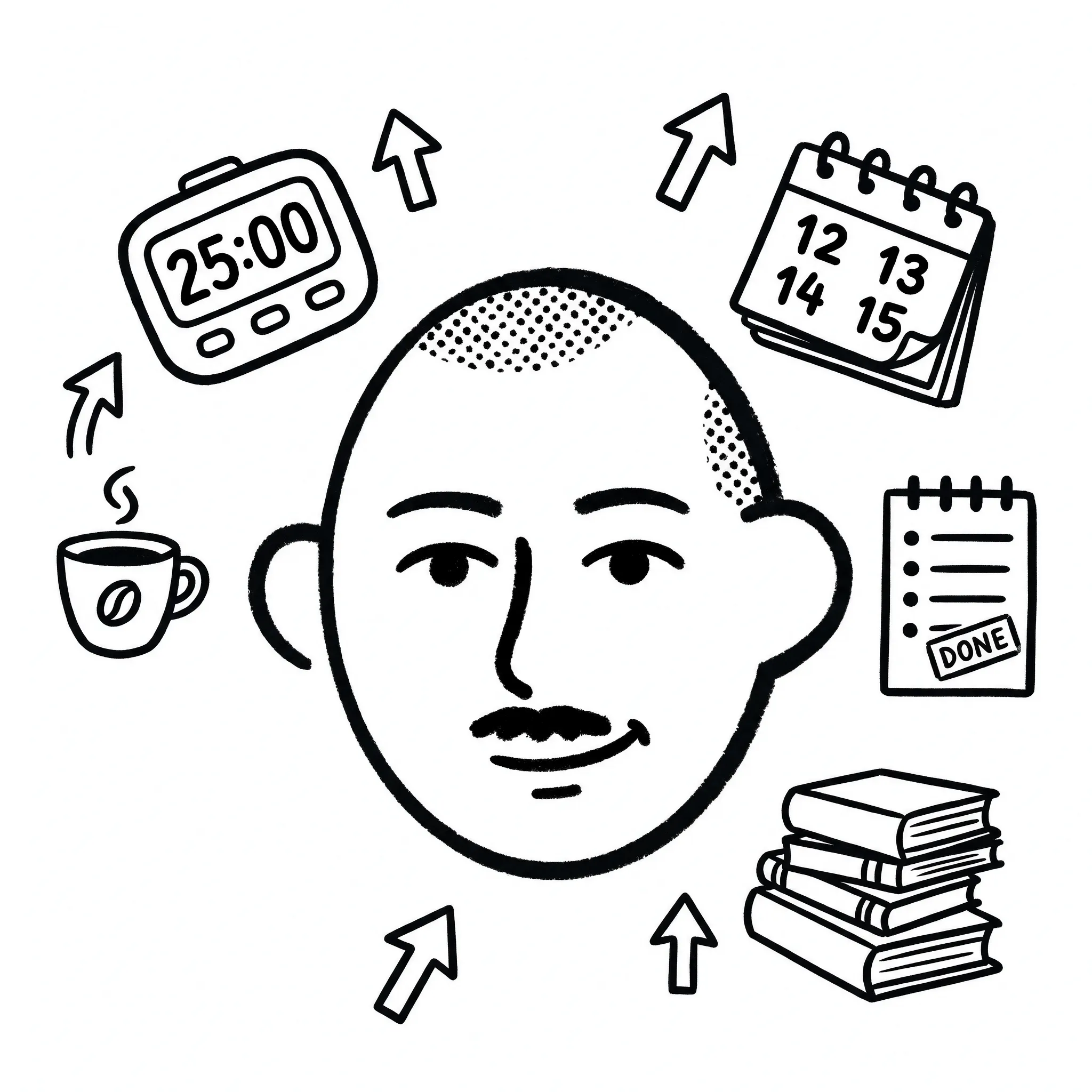
Preparing your workspace is an important task
We don’t exist in a vacuum; there are lots of things that distract us or make our lives harder. Regardless of your habits or traits, the environment can make or break your workflow. You know this; you’ve experienced it.
I created three rules around this preparation for myself:
- Preparation and cleanup have to be accounted for when estimating the time and effort for the task
- Whatever doesn’t help has to go, otherwise it’s a potential distraction
- Make important tools accessible and remind yourself to use them
Here’s a more detailed breakdown
Direct
asset that is required to complete the task
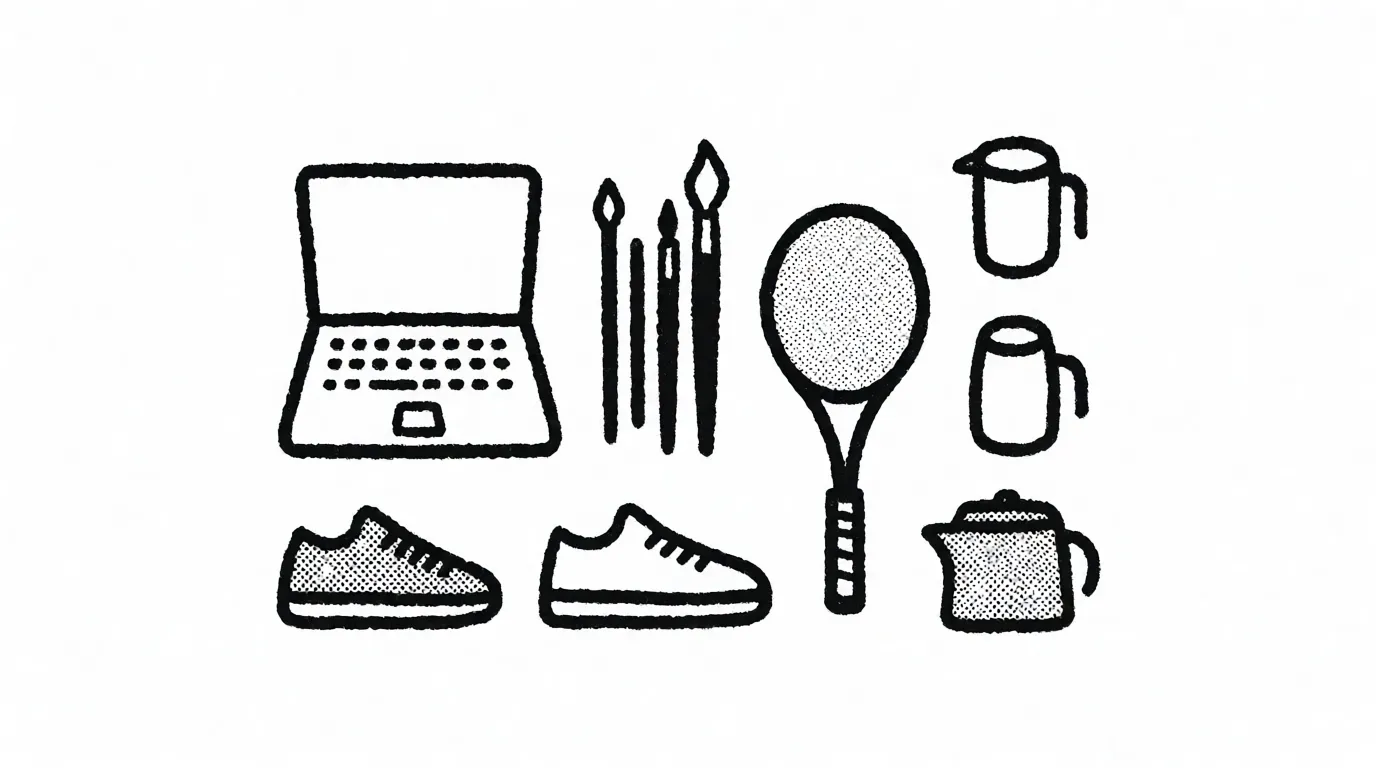
TangiblePerpetual
Examples
Laptop and headphones for work, brushes for painting, kitchen appliances for cooking, sneakers for running, racket for tennis.
Maintain, prepare and give proper space. Develop a placement system.
Find a permanent spot for them where they're easily accessible at your workstation. Prepare those before the start if necessary. Use the calendar to anticipate the need for these. These will take a central place on your workstation, so give them adequate space.
IntangiblePerpetual
Examples
Software for the task (like Figma).
Keep accessible and updated.
Keep them up to date, keep in mind additional resource costs to learn new skills and features.
TangibleOne-time use
Examples
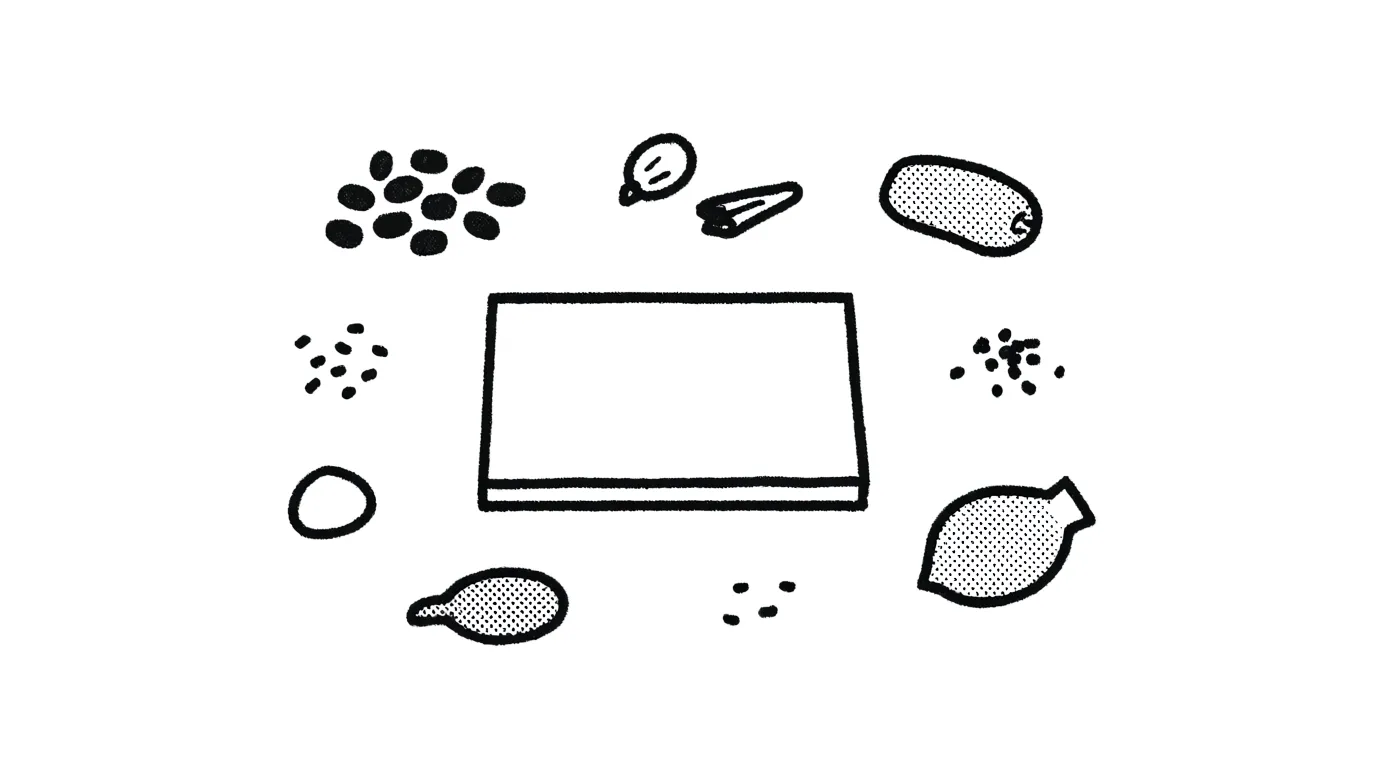
Ingredients for cooking (need both preparation and clean up), dry tea or coffee beans, canvas and paint for painting.
Anticipate, spend time and allocate space for items required for the task.
One-time use means that there are always new items entering my flow. So asset preparation and cleanup after use are the tasks that should be considered separate from the work itself. Add those tasks to the calendar (or the time estimate) on top of the production time. Try not to leave assets at your workstation when it's not needed anymore.
IntangibleOne-time use
Examples
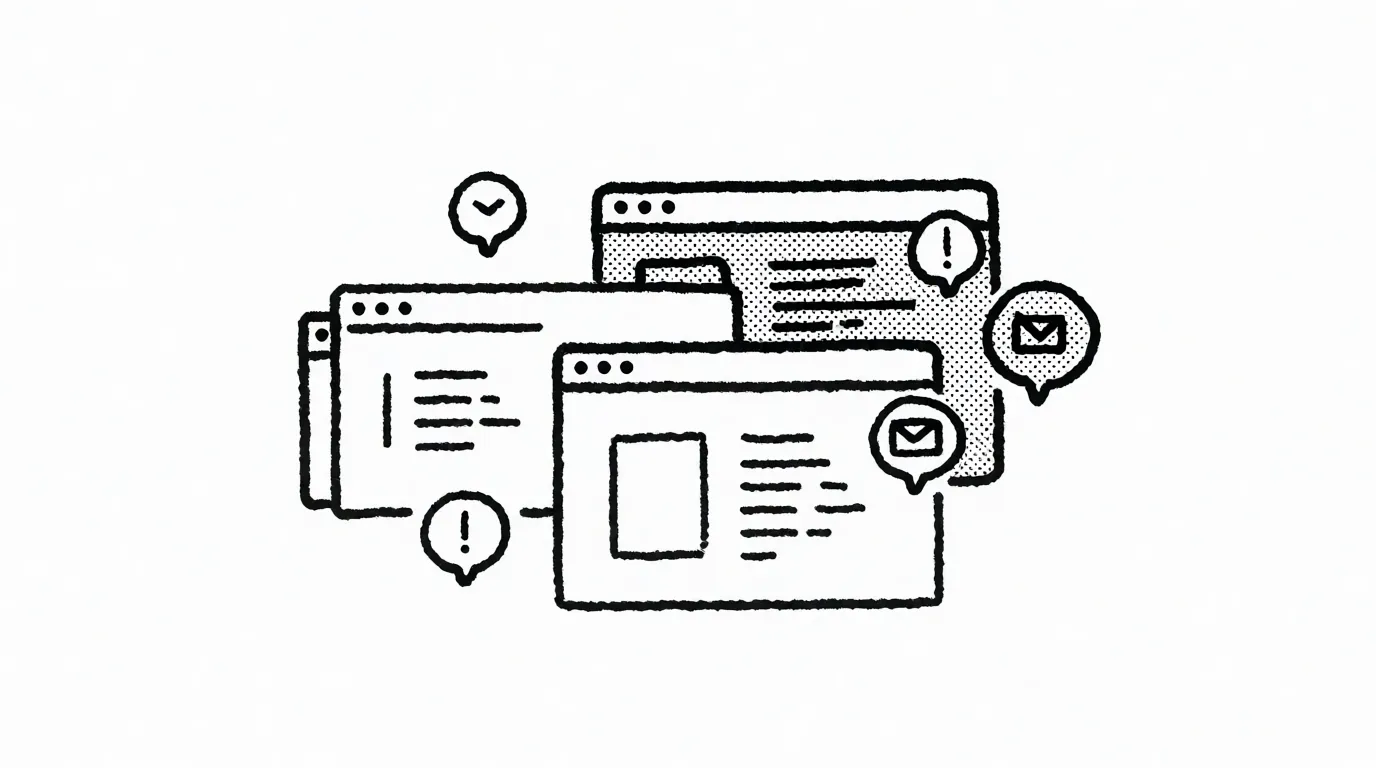
Open browser tabs, unfinished draft files and objects, unprocessed emails/messages with clients.
Sort out and/or purge regularly.
It's super important to process and get rid of those: they don't take up physical space and tend to snowball out of control. Open browser tabs, unsorted emails or messages, draft files (final2, final3 etc). Even better if it happens automatically. The Arc browser I use archives all unpinned tabs after 12 hours by default, so it saves me the trouble of going through them and deciding what I need to keep. If I didn't use or save something here and now — it probably didn't matter that much. But whenever I come back the next day, I'm greeted with a clean slate.
Indirect
asset that's not directly involved in the production, but somehow helps
Tangible
Examples
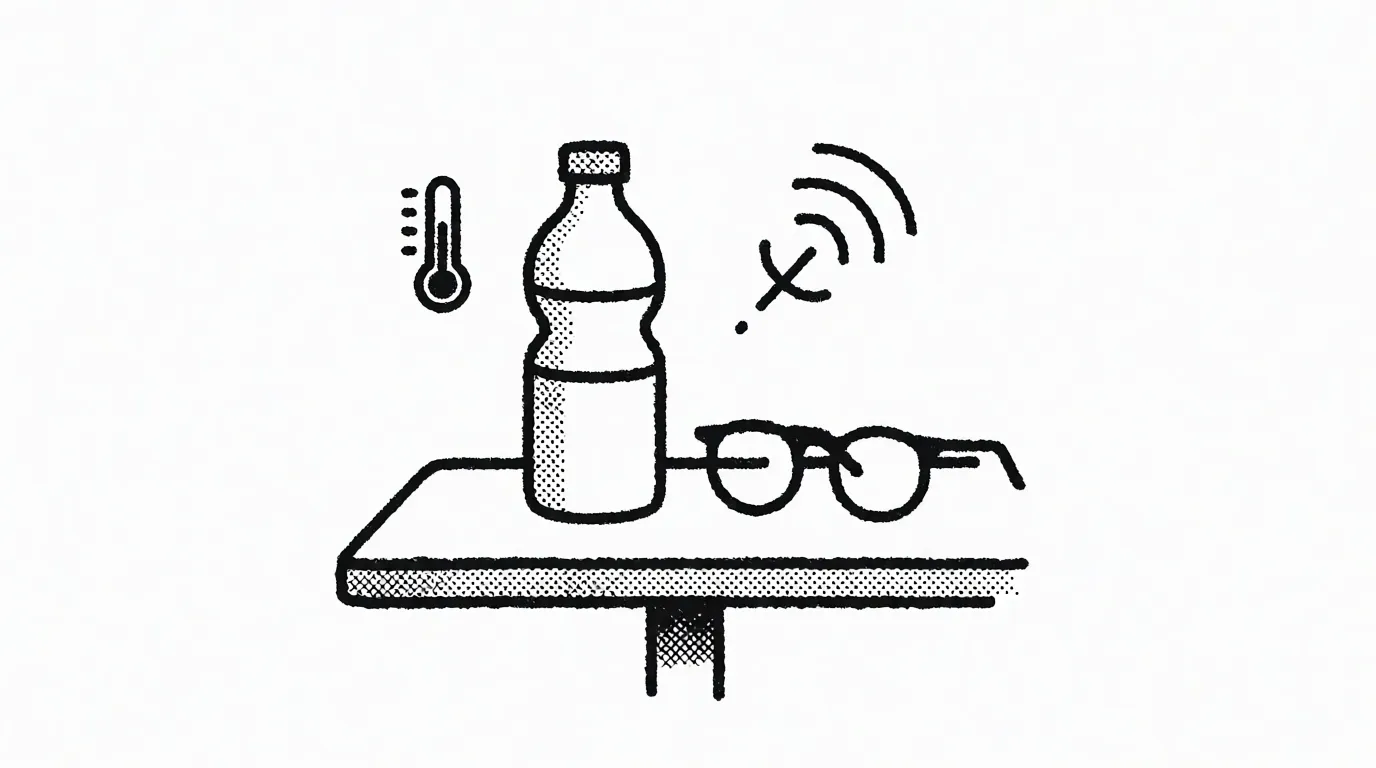
Water bottle on the table, glasses, room you're in, temperature, surrounding noise (or the lack of it).
Evaluate and make accessible.
Allocate time for usage, make easily accessible. Select the ones that are actually helping, everything else belongs in the unrelated category. Carefully evaluate to define what is helping and what is not.
Intangible
Examples
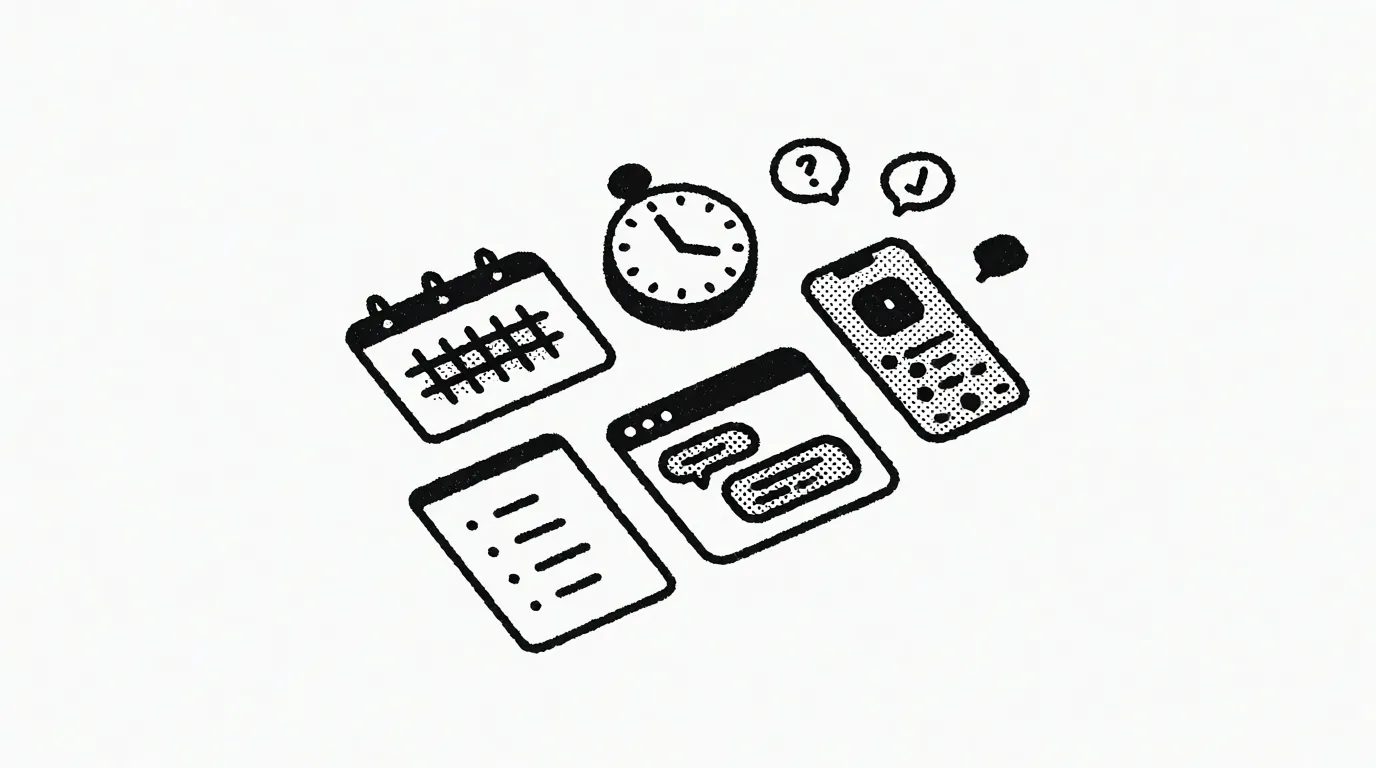
Calendars, to-do lists, music playlists, work routine rules (like Pomodoro timer), supporting software (like AI chatbots).
Develop an access system and reminders. Remember, set up ≠ use.
Try not to get lost in those. Setting up tools is a different task from their usage. Make those tangible if it helps. Find a permanent spot for them where they're easily accessible. Beyond that, set up reminders, as intangible things could easily get forgotten. Think about when you need them and why.
Unrelated
asset that is not required in any capacity
Tangible
Examples
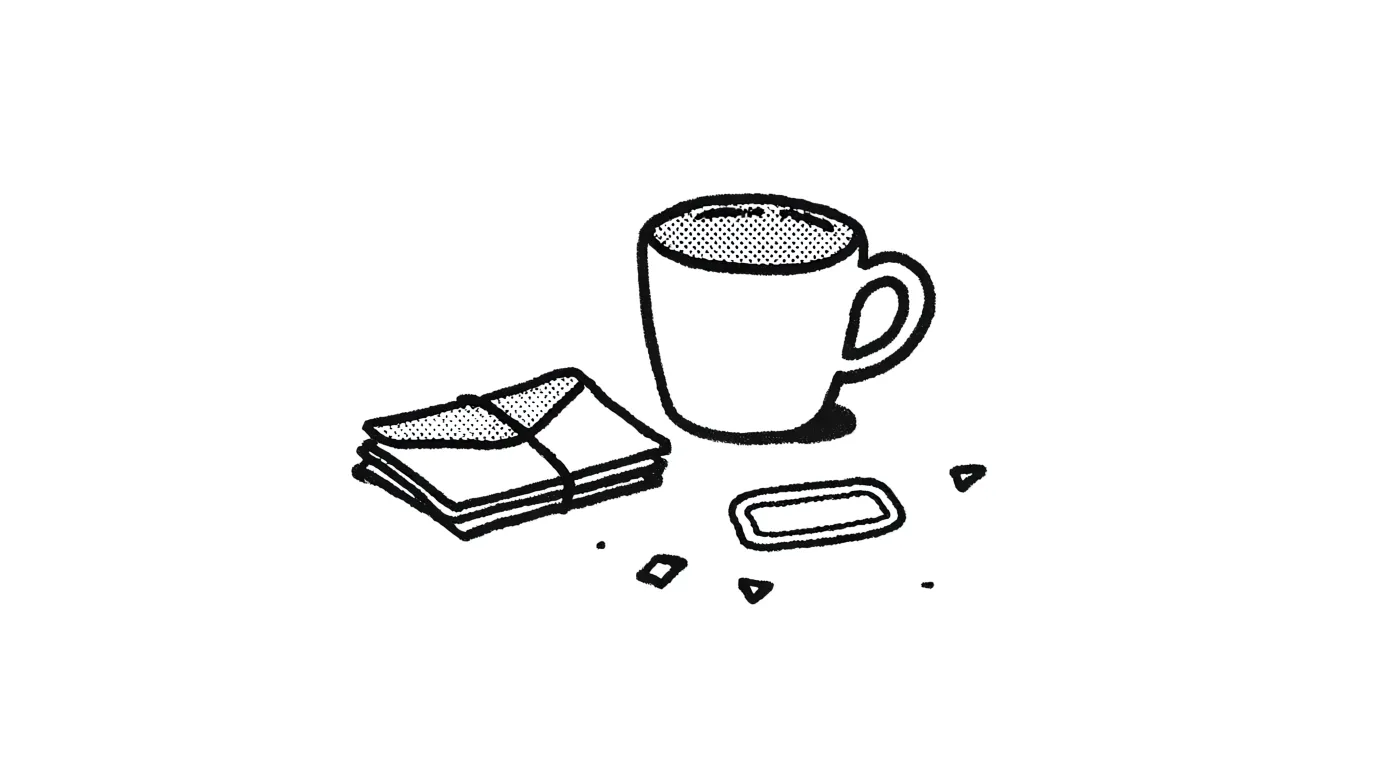
Empty coffee mug, stack of old letters, a sticker, other random things.
Get rid of it.
Remove from the work zone, get it out of reach and field of view.
Intangible
Examples
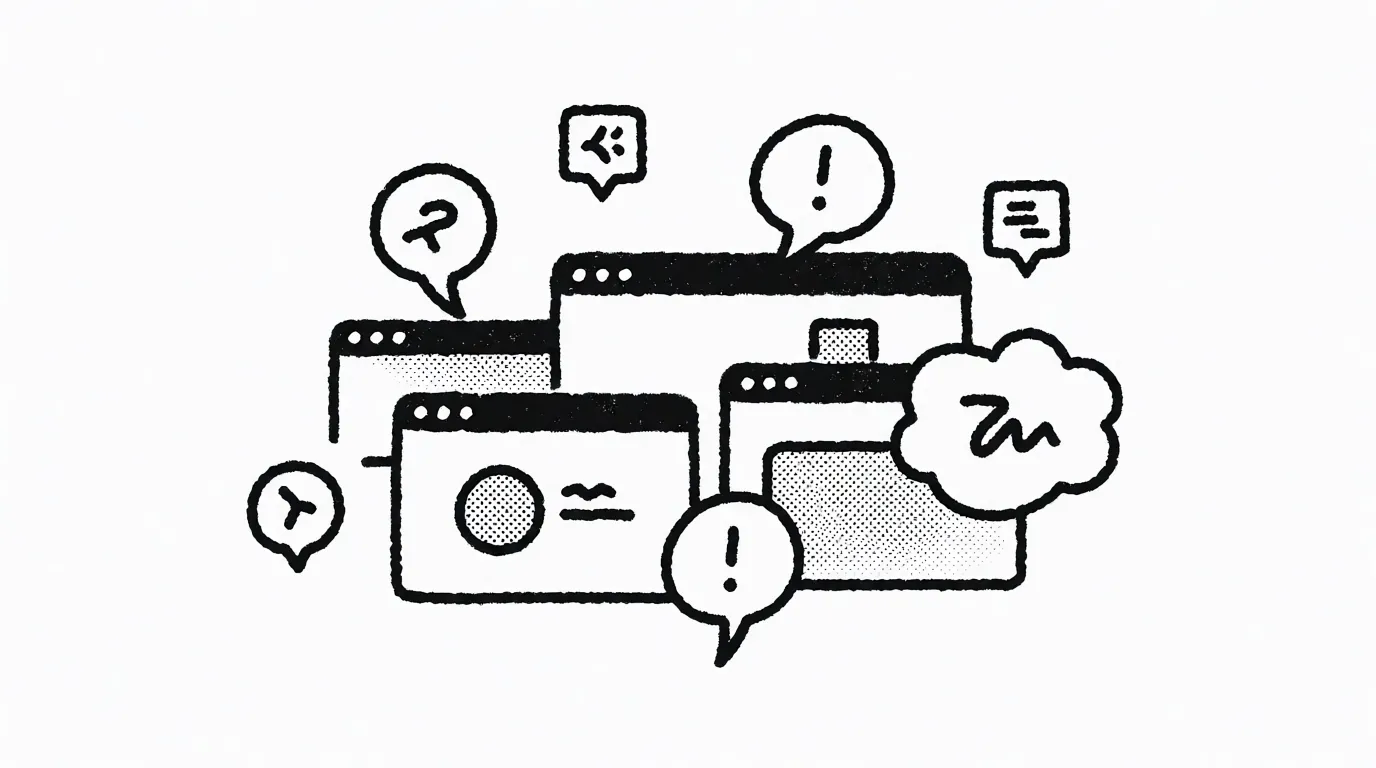
Random browser tabs, unrelated thoughts, random distractions, messenger notifications.
Recognize when you lose control.
Those are impossible to fully control, so I wouldn't even try. My advice is to just pay attention to the usage dynamics. If there are too many of these and they distract you a lot, it's a signal that something else is not working. It's time to review and iterate.
- To-do list
- Many ways to use calendar
- Timer is your friend
- Black and white